For web developers
AI code is almost right, and that's the expensive part
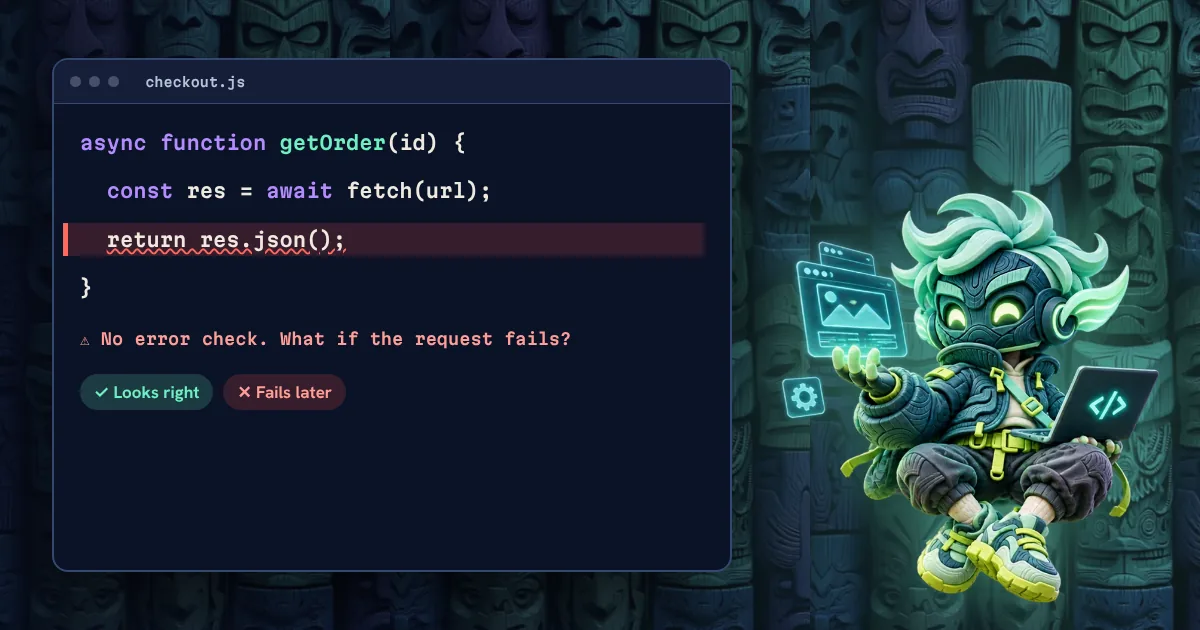
Broken code tells you it's broken. Almost-right code looks finished, passes a quick glance and fails later.
 By SlapUp · · 4 min read
AI assistants are now a normal part of web development, but trust hasn't kept up. In Stack Overflow's 2025 Developer Survey, with more than 49,000 respondents, 80% of developers said they use AI tools, while only 29% said they trust their accuracy.
The top frustration, named by 45%, was AI answers that are almost right but not quite. And 66% said they spend more time fixing almost-right code. That matches what many of us see day to day: writing got faster, but checking became the real job.
Where almost-right code hides
- Edge cases: the happy path works, but empty states, slow networks and bad input don't.
- Security: missing permission checks, trusting input from the browser, or secrets placed in client code.
- Accessibility: a clickable div instead of a button, no keyboard support, no visible focus.
- Performance: a heavy library for one small job, or a page that shifts as it loads.
- Outdated advice: an old API or an approach your framework has moved on from.
A simple way to work with it
Ask for small changes
A 30-line change is easy to review. A 900-line change usually gets skimmed. Break the work down, and commit each step.
Describe the result before you generate it
Write what should happen, including the failure cases. Better still, write the tests first. It gives you something objective to check against.
Run it, then read it
Run the code, the tests and the type checker. Then read every line as if a new teammate wrote it. If you can't explain a line, don't ship it.
Check what the browser actually does
Open the page on a phone, use it with only a keyboard and run a performance check. Plenty of problems only appear in the real page.
Keep humans on the risky parts
Be especially careful with login, payments, personal data and anything hard to undo. Use AI to help, but review these yourself, line by line.
The short version
AI can speed up the typing. You're still responsible for the result, and that judgment is what clients are paying for.
Need a fast, well-built website?
Talk to Kodo